







Hfive5 Mobile Download: App & APK Access
📱 Download Hfive5 App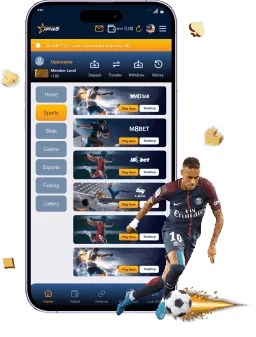
Most players today open their favourite casino on a phone, and Hfive5 mobile is built with that in mind. You can use the Hfive5 app on Android through an APK file, or add the site to your iPhone home screen as a web app. If you prefer, you can also play straight from your mobile browser with no installation at all. All three options connect to the same account, the same MYR balance and the same game lobby.
This guide explains how to get started with the Hfive5 download, step by step. You will find setup instructions for Android and iOS, notes on mobile deposits and withdrawals, and advice on keeping your Hfive5 casino login safe. Read it once before you install anything, and the process will take only a few minutes.
Mobile Platform Overview
Hfive5 mobile gives you the full platform in your pocket: slots, live dealer tables, sports betting, 4D lottery and the cashier. The layout is designed for small screens, with large buttons, short menus and quick access to the games you play most.
| Access Method | Device | Installation |
|---|---|---|
| Android APK | Android phones and tablets | Manual file install |
| iOS web app | iPhone and iPad | Add to home screen |
| Mobile browser | Any smartphone | None |
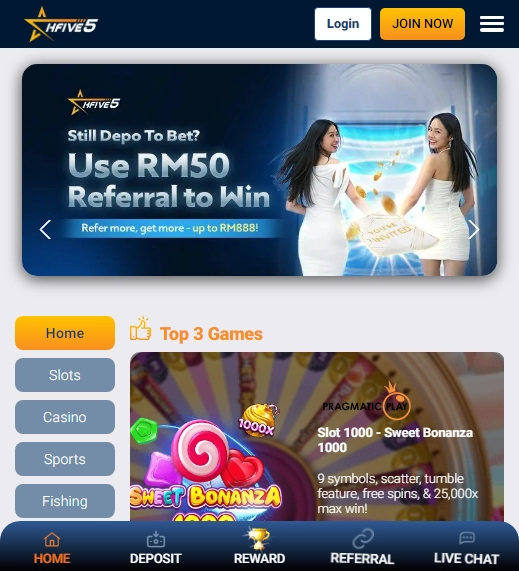
App Advantages
Using the Hfive5 app or a home screen shortcut has clear benefits over typing the address every time. You get one-tap access, a cleaner full-screen view and faster navigation between sections.
Main benefits for mobile players:
- One-tap launch from your home screen
- Full-screen layout without browser bars
- Quick access to slots, live casino and sports
- Same MYR balance and game history as on desktop
- Easy return to the cashier when you need it
Cross-Device Sync
Your account is not tied to one device. When you log in on your phone, you see the same balance, bet history and bonus status you have on a laptop. If you start a sports bet on your computer, you can check the result later on your phone.
This also means you can switch devices at any time. If your phone battery dies, log in on another device and carry on. Just remember to log out on shared or public devices.

Data Saving Features
Mobile data matters, especially if you play outside Wi-Fi. Slot games are light and use little data, while live dealer streams use more because they send HD video. You can reduce usage in a few simple ways:
- Lower the video quality on live tables
- Use Wi-Fi for long live casino sessions
- Close background apps that use data
- Turn off auto-play of videos in your browser settings
Android APK File Setup
On Android, the Hfive5 apk is installed manually, since it does not come from the Google Play Store. This is common for casino apps, but it means you must be careful about where you get the file. Download it only from the official Hfive5 website or from links given by official support.
Downloading the File
Open the official Hfive5 website in your Android browser and look for the download button, usually shown on the home page or in the menu. Tap it, and your phone will begin downloading the APK file. Your browser may warn you that this type of file can be harmful. That is a standard warning for any file that does not come from an app store.
Keep these points in mind:
- Use only the official site or a link from official support
- Avoid third-party download sites and unknown links
- Check that the web address matches the official domain
- Make sure you have enough storage space on the phone
Installation Steps
Before you install, your phone may ask you to allow installs from your browser. Here is the usual process:
- Open your downloads folder or tap the download notification.
- Tap the Hfive5 APK file.
- If asked, allow installation from this source in your settings.
- Tap Install and wait for the process to finish.
- Open the app and log in with your account.
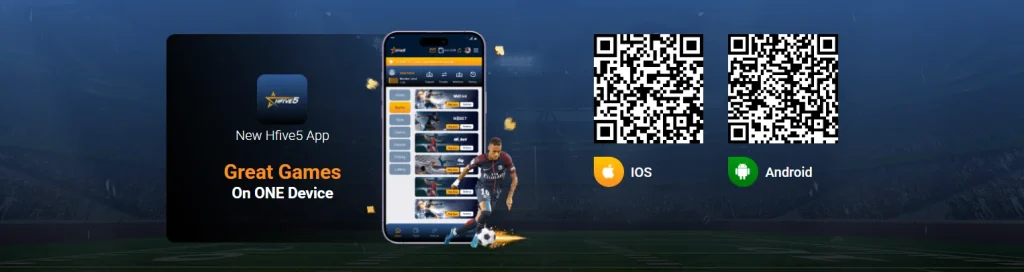
After installation, you can turn off the permission for unknown sources again. This is a good habit, since it keeps your phone safer against other unwanted files.
Troubleshooting
If the installation does not work, a few simple fixes solve most problems:
| Problem | Likely Cause | Fix |
|---|---|---|
| Install blocked | Unknown sources are off | Allow installs from your browser |
| File will not open | Incomplete download | Delete and download again |
| App crashes on start | Old Android version or low storage | Free space and update the system |
| Cannot log in | Wrong details or weak signal | Check credentials and connection |
If nothing works, you can always use the mobile browser version, which needs no installation. Live chat support can also guide you through the problem.
iOS Web App Setup
Apple devices work a little differently. Instead of an APK, iPhone and iPad users can open Hfive5 through Safari and save it to the home screen as a web app. It looks and feels like an app, and there is nothing to download from an outside source.
Safari Access Guide
Use Safari for the smoothest experience, since it is the browser Apple supports best for web apps. Open Safari, type in the official Hfive5 address and log in. Make sure you are on the correct site before you enter any details, and check that the connection shows as secure.
Home Screen Bookmark
Adding a shortcut takes only a moment:
- Open the official Hfive5 site in Safari.
- Tap the Share icon at the bottom of the screen.
- Scroll down and choose Add to Home Screen.
- Name the shortcut and tap Add.
- Open the new icon from your home screen.
The shortcut opens the site in full-screen mode, so it behaves much like a normal app.
iOS Compatibility
The web app works on recent iPhones and iPads that run an up-to-date version of iOS. For best performance, keep your system and Safari updated, and make sure you have a steady connection. Older devices may run slower on heavy live streams, so you can lower the video quality if you notice stutter.
Portable Cashier & Deposits
The cashier is part of the mobile experience, so you can manage your money without a computer. Every transaction runs in Malaysian Ringgit, and your balance updates in the same account you use everywhere else.
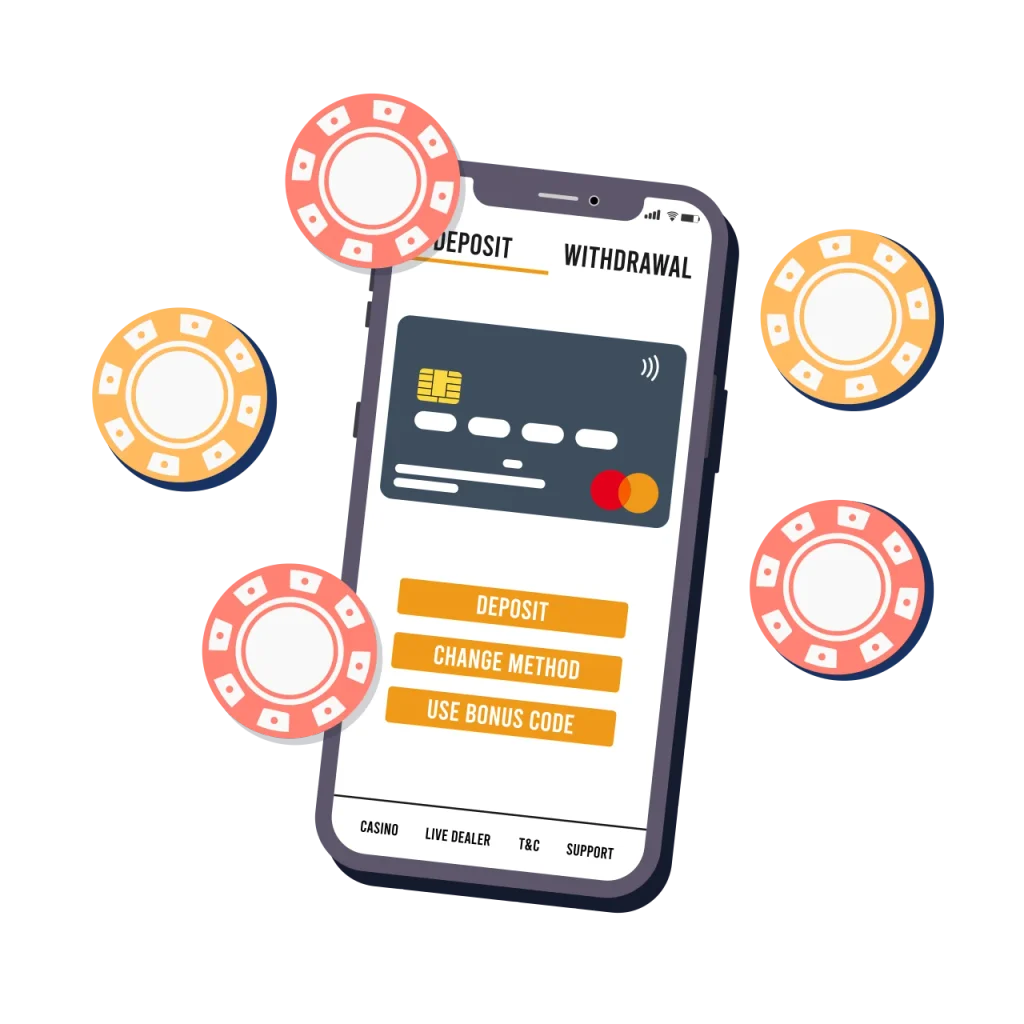
Quick Mobile Deposits
Open the cashier, choose a deposit method, enter an amount in MYR and follow the steps on screen. Mobile-friendly options such as online banking, e-wallets and QR payments are designed for phones, and often take only a minute.
Always check the amount and the payment details before you confirm. Use a payment account in your own name, since this helps avoid delays later.
Mobile Cashouts
Withdrawals work the same way. Open the cashier, pick a withdrawal method, enter the amount and submit your request. Approved payouts return
Security Encryption
Payment pages use encrypted connections, which protect your data while it travels between your phone and the platform. You can add your own layer of safety with these habits:
- Avoid public Wi-Fi when you make payments
- Keep your phone’s system and browser updated
- Lock your phone with a PIN, pattern or biometrics
- Never share payment codes or one-time passwords
Mobile Account Access
Your Hfive5 casino login is the key to your balance, so protecting it should be a priority. A few small habits can prevent most account problems.
Secure Mobile Login
To sign in, open the app or the official site, enter your username and password and tap Login. If you forget your details, use the recovery option or contact live support. Before you type your password, check that you are on the official site and not a copy. Fake pages that imitate casinos are a common trick, and they exist to steal logins.
Password Protection
A strong password is your first line of defence. Follow these basic rules:
- Use a long password with letters, numbers and symbols
- Do not reuse a password from another website
- Do not store your password in a plain note on your phone
- Change your password if you think someone else knows it
- Log out when you use a shared device

Push Notifications
Notifications can alert you to promotions, account activity and results. Keep them on if you like staying informed, and turn them off if they become distracting. Be careful with any message that asks for your password or payment details. Official support will never need your password.
FAQ
On Android, download the APK from the official Hfive5 website and install it. On iPhone, open the site in Safari and add it to your home screen.
It is safe only when it comes from the official site or from official support. Avoid third-party download pages.
iPhone and iPad users can use the web app by adding the site to their home screen from Safari.
Yes. The mobile browser version works on most smartphones with no download.
Use the account recovery option on the login page, or contact live chat for help.